

Download VLC – media player, open-source, Android, free, video, audio, streaming, playback, mobile
Overview
VLC for Android is a free, open-source media player developed by VideoLAN, designed to deliver robust playback across a wide range of audio and video formats. The software enables users to play nearly any media file without requiring additional codecs or external dependencies, making it a versatile solution for mobile users. It supports playback from local storage, external drives, and network sources, including streaming protocols.
Target users include casual viewers, multimedia enthusiasts, and professionals who need reliable playback across diverse file types. The app extends the legacy of the desktop VLC player, bringing its feature-rich experience to mobile platforms with minimal compromises. Real-world usage scenarios include watching home videos, streaming content from network shares, playing audio files during commutes, and managing multi-track subtitles.
The application is particularly useful for users who encounter compatibility issues with default media players on Android devices. The developer did not provide additional details about the company’s structure beyond the known open-source nature of the project.
Key Features & Capabilities
- Universal Media Support – Plays virtually all audio and video formats, including MKV, AVI, MP4, FLAC, and more, without requiring external codecs.
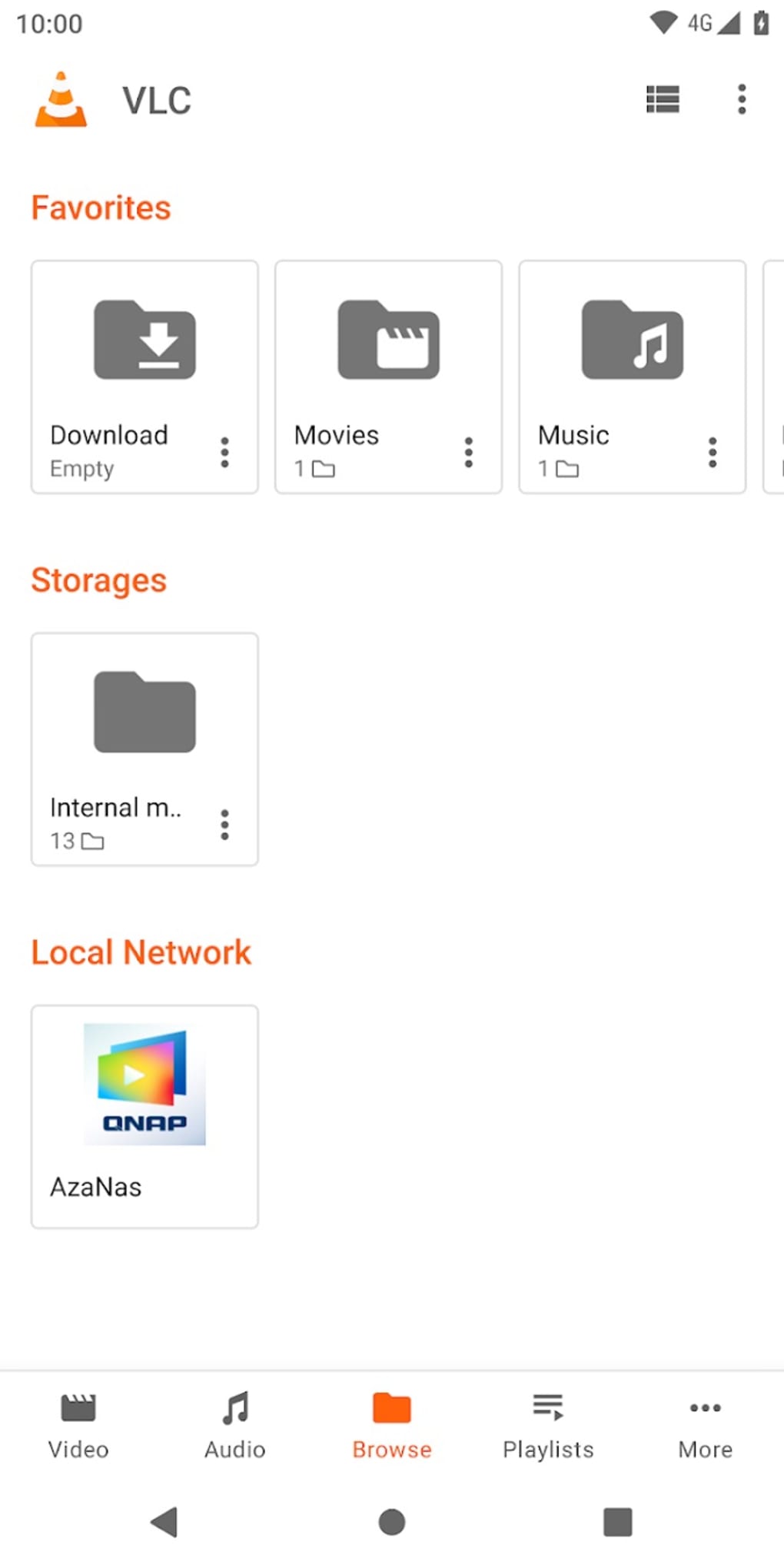
- Network and Streaming Playback – Accesses media from local networks, UPnP/DLNA servers, and online streams using various protocols.
- Multi-Track Subtitles and Audio – Allows switching between multiple subtitle and audio tracks during playback, ideal for multilingual content.
- Hardware Acceleration – Optimizes playback performance on capable devices by leveraging GPU processing for smoother video rendering.
- Gesture Controls – Supports touch gestures for adjusting volume, brightness, and fast-forwarding/rewinding by swiping across the screen.
- Pop-Up Player Mode – Enables watching videos in a floating window while using other apps, enhancing multitasking.
- Chromecast Integration – Streams media to Chromecast devices with minimal setup and stable performance.
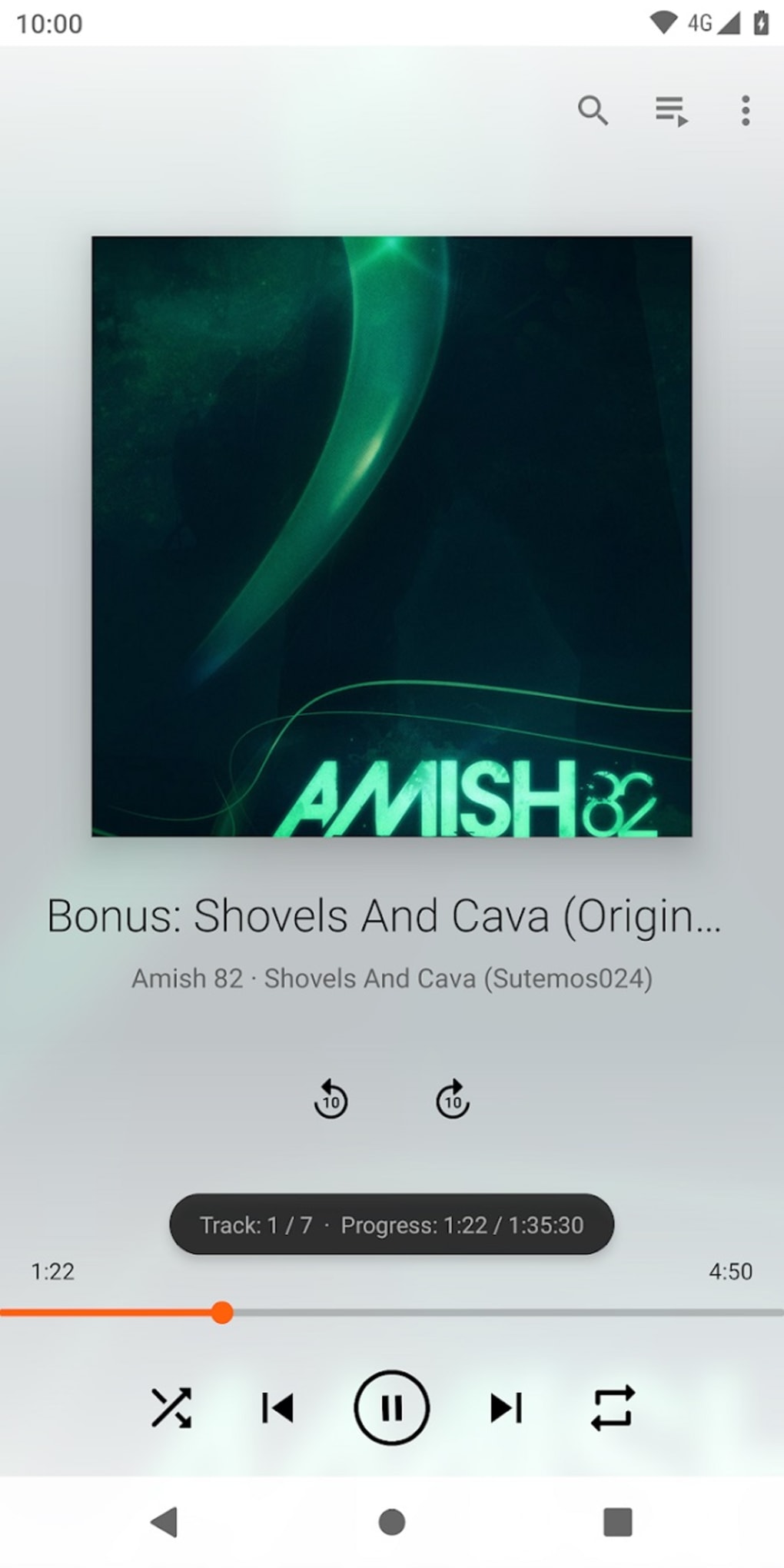
- Equalizer and Audio Customization – Includes a built-in audio equalizer for adjusting sound profiles to personal preferences.
- Android Auto Compatibility – Allows access to media playback through a car’s interface, supporting music playback and playlist management.
User Interface, Workflow & Performance
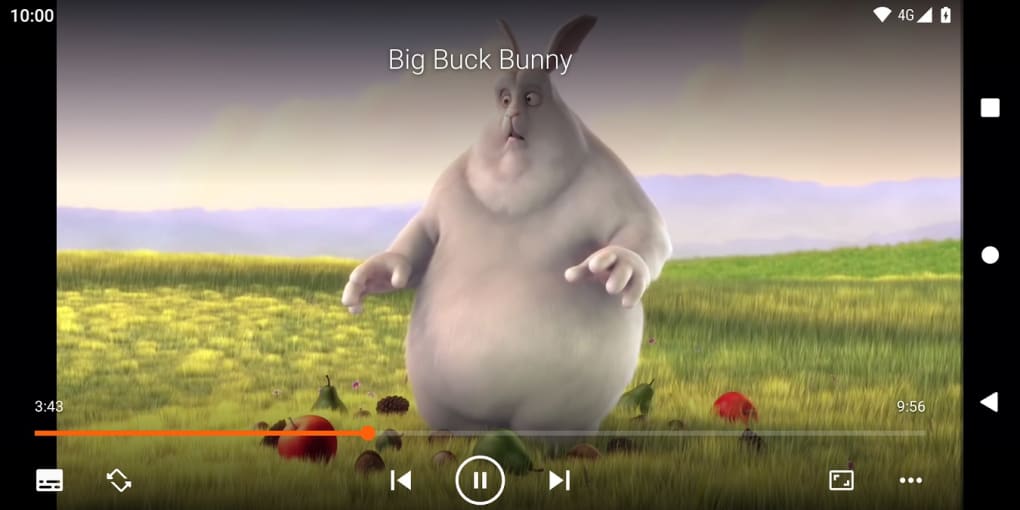
The user interface of VLC for Android is minimalistic and consistent with the desktop version, prioritizing functionality over visual flair. Navigation is straightforward, with a central playback screen and accessible controls for playback, volume, and settings. The layout is optimized for touch input, with large buttons and intuitive gesture support.
Users can easily switch between playback modes, adjust video size, and manage audio and subtitle tracks without navigating through complex menus. The workflow is efficient for both quick playback and extended media sessions. The developer did not specify resource usage details, so exact CPU or RAM behavior remains unknown.
Performance observations are based on general software behavior patterns. The app maintains stability during extended playback and network streaming, with no reported crashes in standard use cases. However, performance may vary depending on device hardware and media complexity.
Compatibility & System Requirements
VLC for Android is compatible with Android operating systems, though the exact version range is not specified. The application has a file size of 32.5 MB, indicating a lightweight installation footprint. The developer did not provide additional system requirements, such as minimum RAM, processor speed, or storage space.
Compatibility information was partially provided, with no details on support for specific Android versions beyond the general platform. Users are advised to ensure their device meets basic Android requirements for app installation and media playback. The app supports external storage and network access, which may depend on device permissions and OS-level configurations.
Pros and Cons
Pros
- Free to download and use with no ads or in-app purchases
- Supports nearly all audio and video formats natively
- Extensive network and streaming capabilities
- Hardware acceleration improves playback smoothness
- Gesture controls and pop-up player enhance usability
- Open-source and transparent codebase for security verification
- Android Auto and Chromecast integration for seamless multi-device use
Cons
- Interface design is minimal and lacks advanced customization options
- No official support for iOS or other mobile platforms
- Exact system requirements were not listed
- UI may appear outdated compared to modern mobile apps
FAQ Section
Is VLC for Android safe to download and use?
VLC for Android is developed by VideoLAN, a well-established open-source project. Its code is publicly available, allowing users to verify its integrity. The app is free from malware and ads, making it a secure choice for media playback.
Can I use VLC offline on my Android device?
Yes, VLC supports offline playback of local media files stored on your device or external storage. No internet connection is required once the files are downloaded.
Does VLC support streaming from network drives?
Yes, VLC can access media from network shares, UPnP/DLNA servers, and other networked devices, provided the network is accessible and properly configured.
Is there a license fee for using VLC on Android?
No, VLC is completely free to use. There is no paid version, and the app does not include in-app purchases or subscription models.
How often are updates released for VLC on Android?
Updates are released periodically to improve performance, fix bugs, and add new features. The latest version available is 3.6.12, released on April 15, 2024.
Final Thoughts
VLC for Android delivers a powerful, reliable, and feature-rich media playback experience that rivals many commercial alternatives. Its open-source foundation ensures transparency and long-term sustainability, while its broad format support and network capabilities make it ideal for diverse use cases. Although the interface is functional rather than visually modern, its simplicity and efficiency appeal to both beginners and advanced users.
The integration with Android Auto and Chromecast further enhances its utility in real-world scenarios. For anyone seeking a free, secure, and capable media player on Android, VLC is a top-tier choice. Download VLC now.





.png)

